
AI photo editor.
Endless creative looks.
Snap a photo, pick a style, and Wondershot reshoots it with AI — turn yourself into a cartoon, a collectible figure, a movie poster, or many other looks. Templates aim to keep the main subject recognizable, while AI-generated results vary.
- ✶ Free credits to start
- ✶ Monthly Discord bonus codes
- ✶ In-app library of community styles
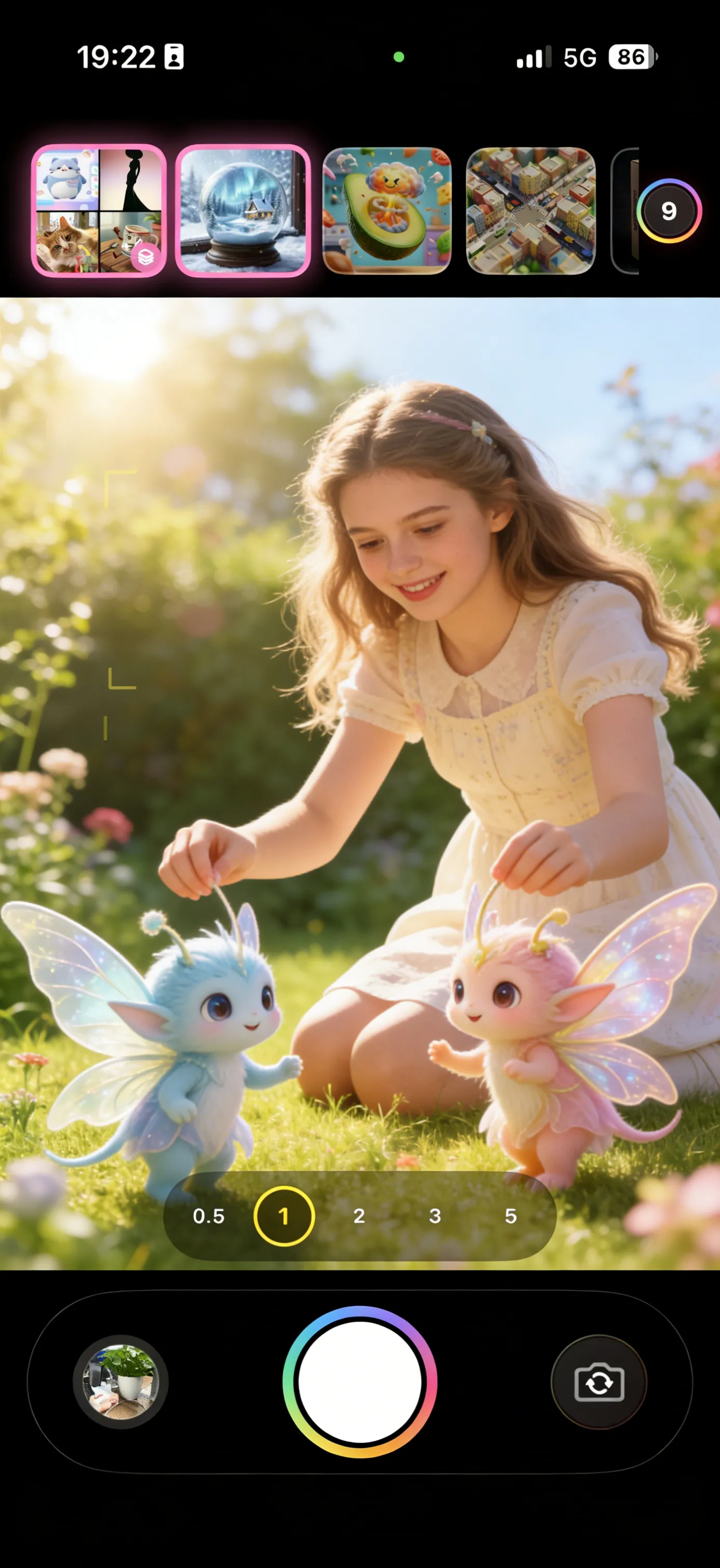
From snapshot to wonder in 3 steps
No filters to fiddle with, no prompts to write.
- 1
Shoot or upload
Open the camera and capture a moment, or pick any photo from your library — people, pets, objects, or scenery.
- 2
Pick a style
Swipe through ready-made style templates. Choose one, or select several to remix one photo into many looks at once.
- 3
Get your wonder
AI reshoots your photo. When it’s ready, save it, make a before/after Live Photo, or share it straight to your feed.
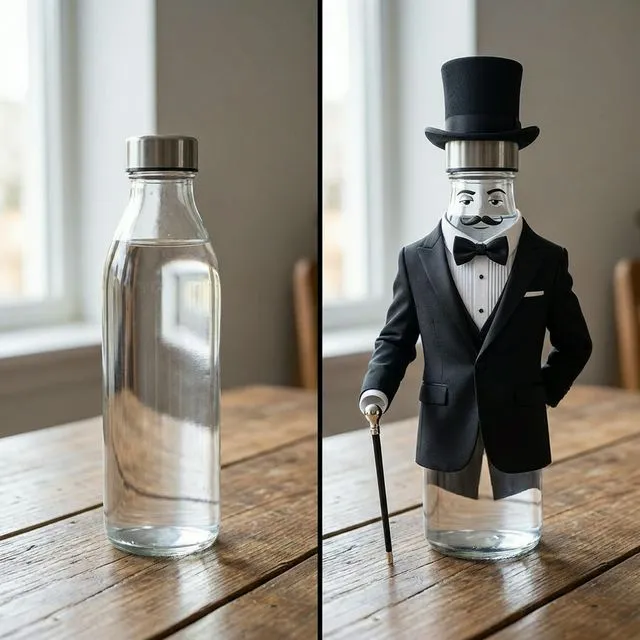
Before & after
The same photo, reimagined. Drag-free, just tap a style.
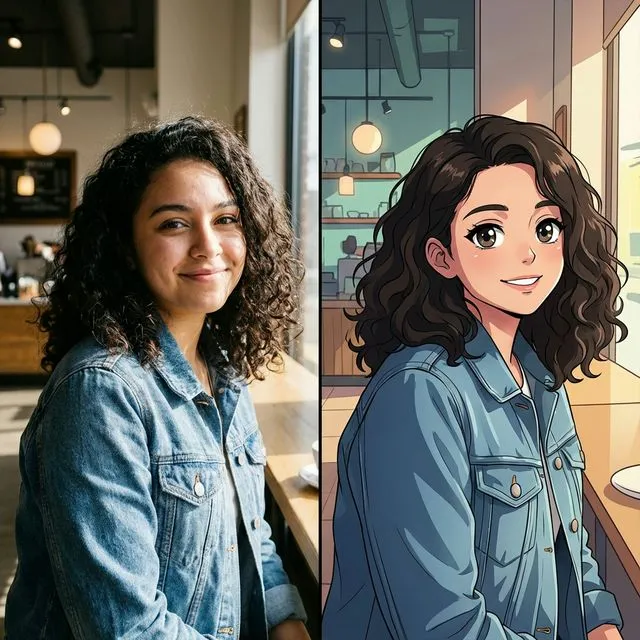
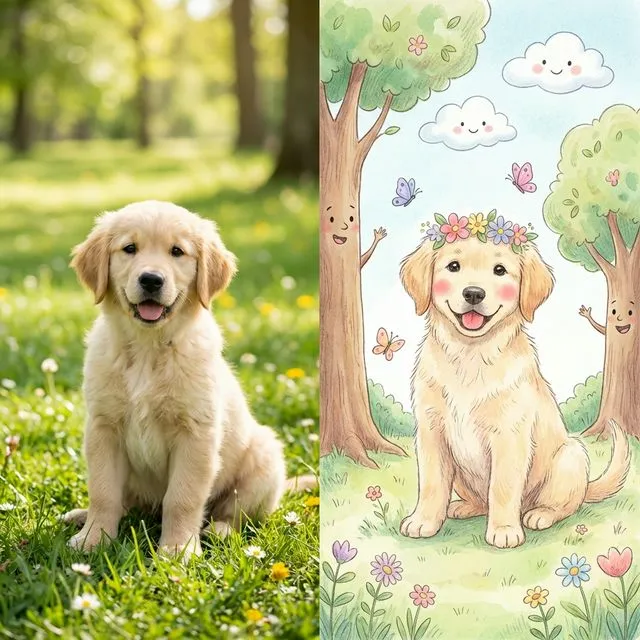
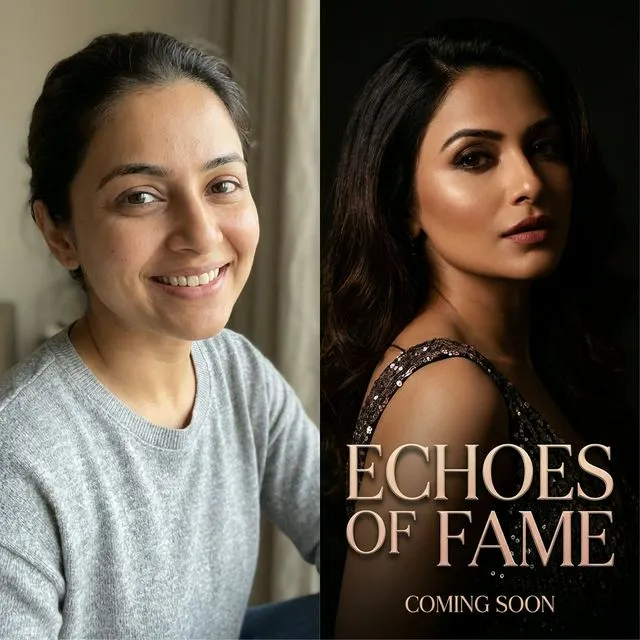
One app, countless looks
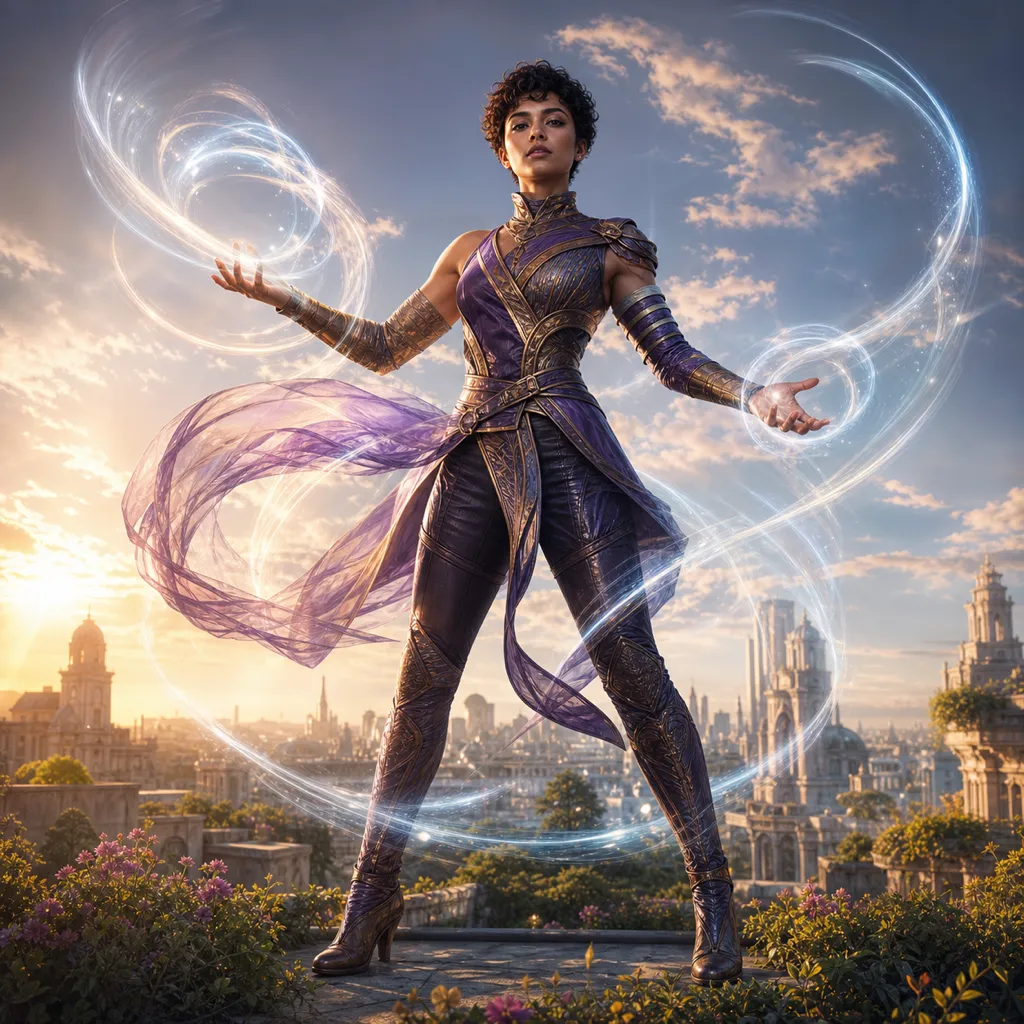
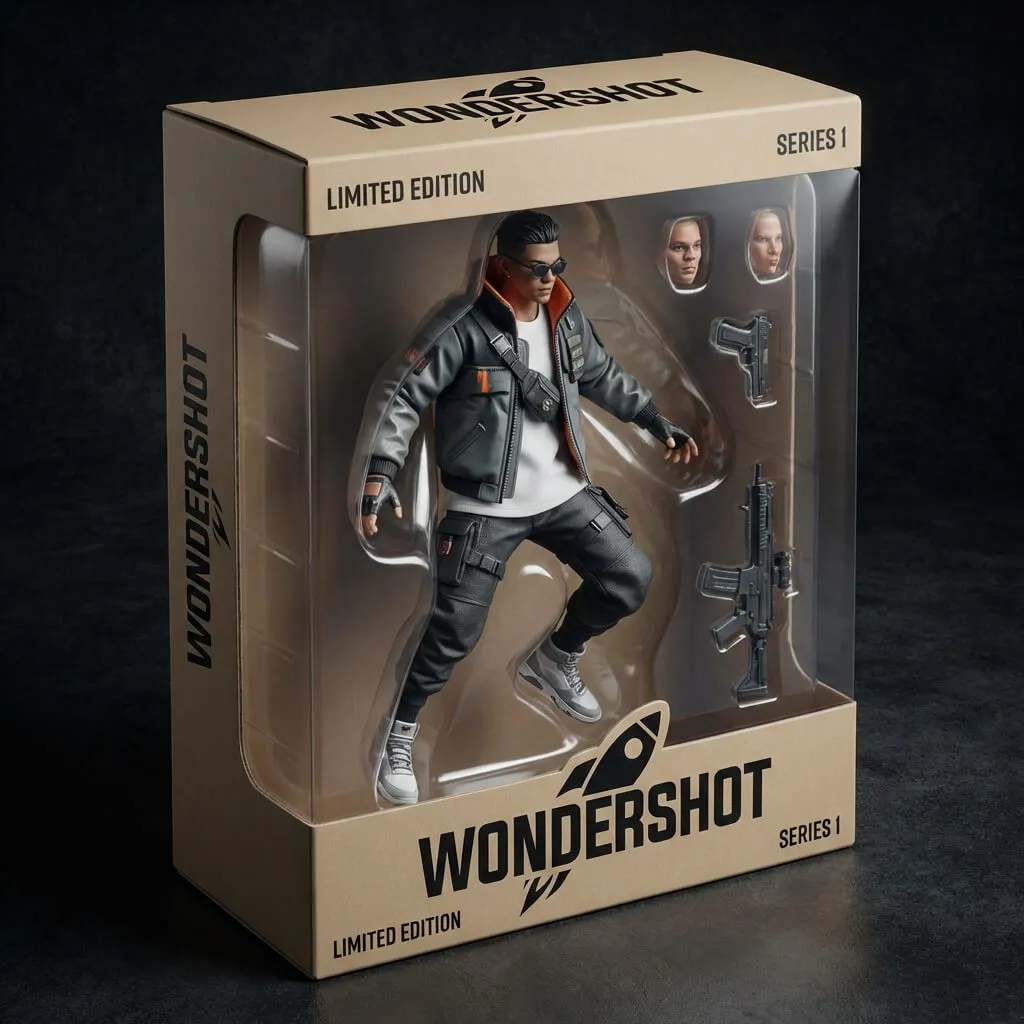
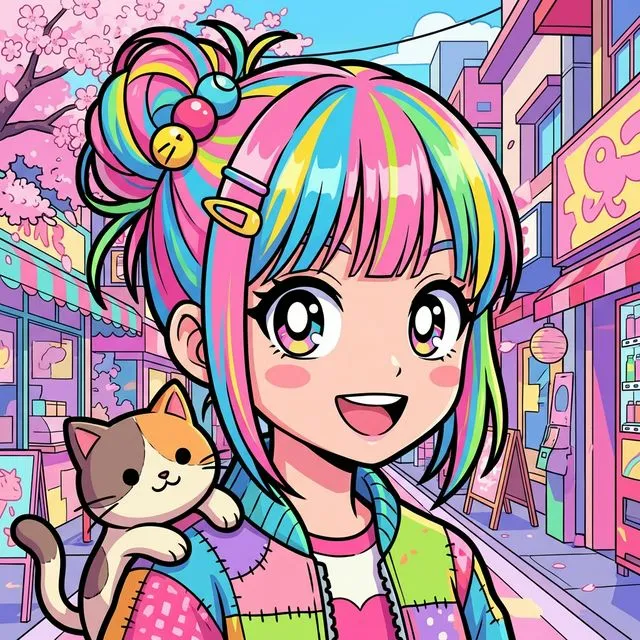
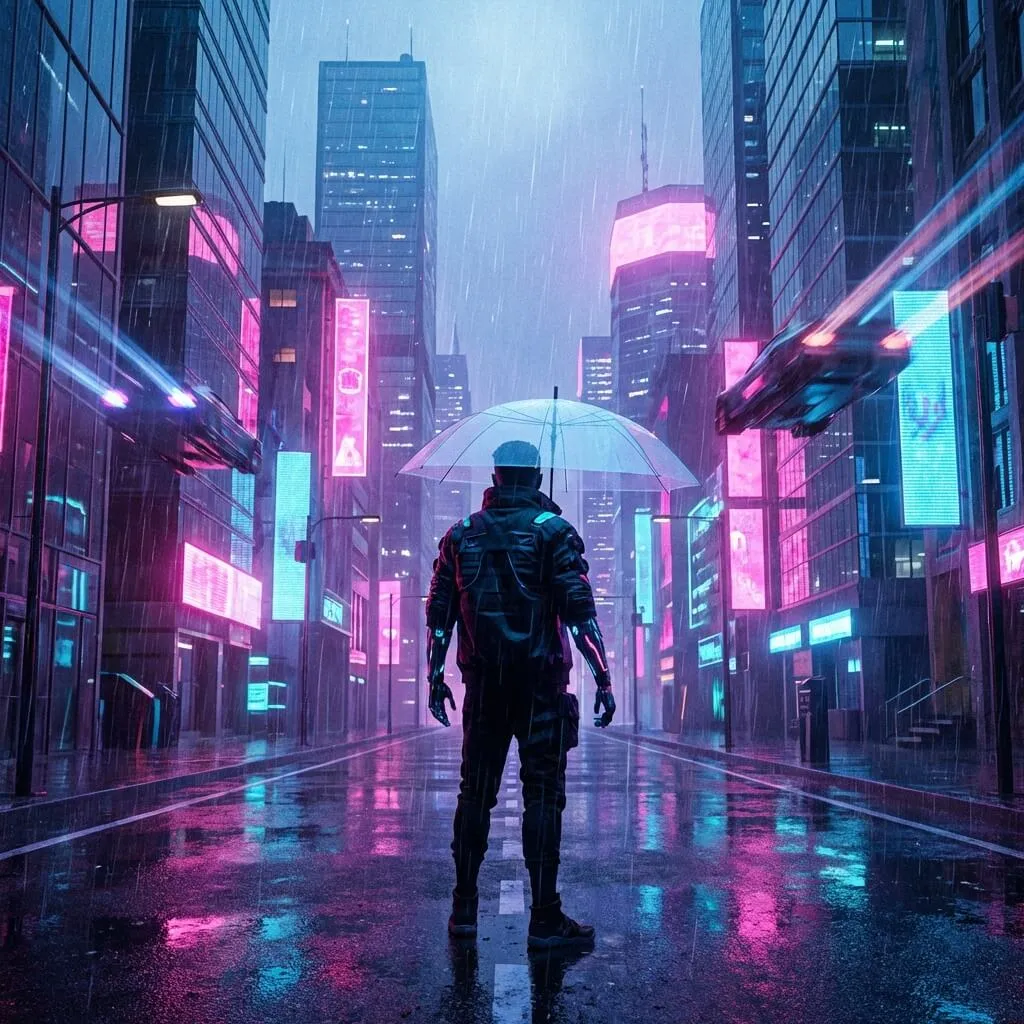
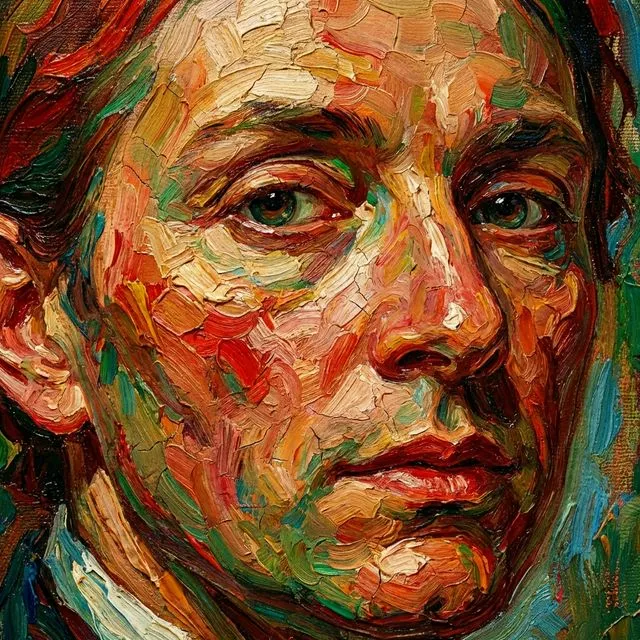
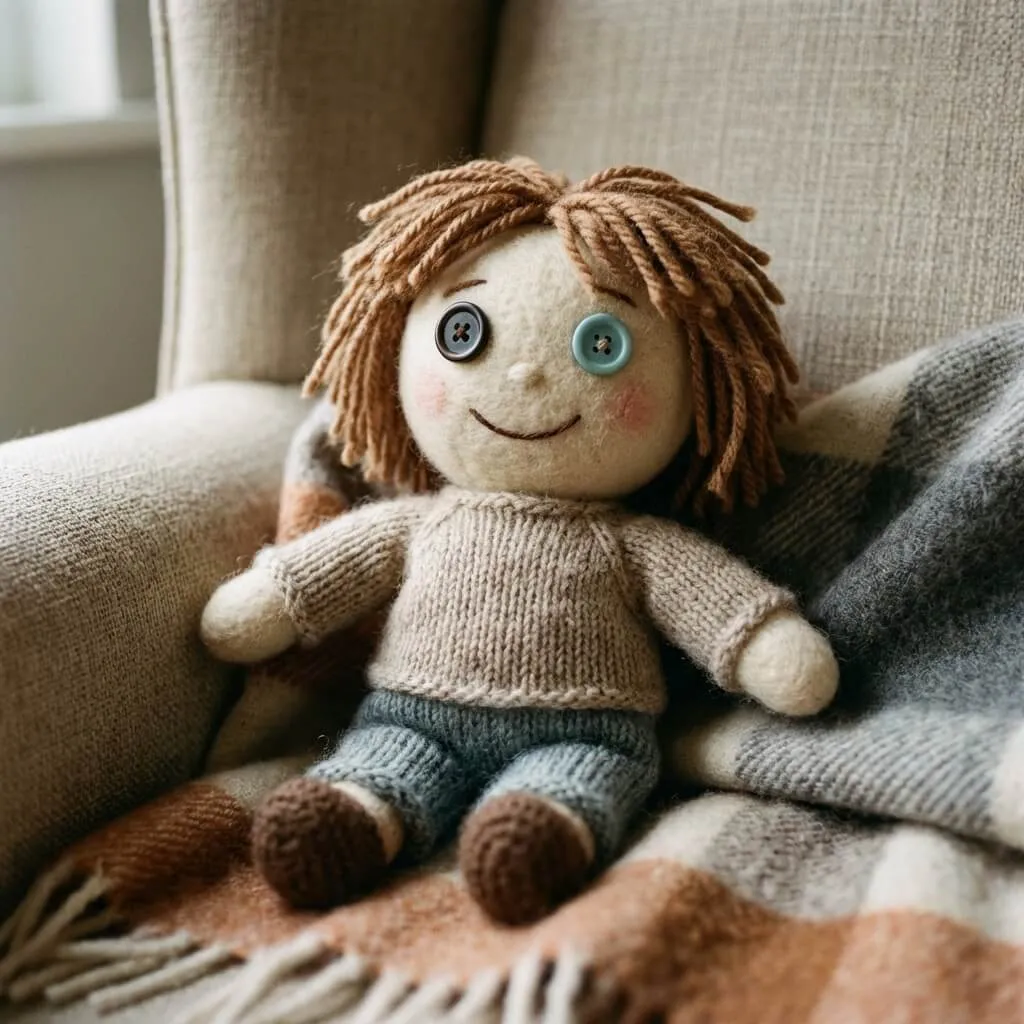
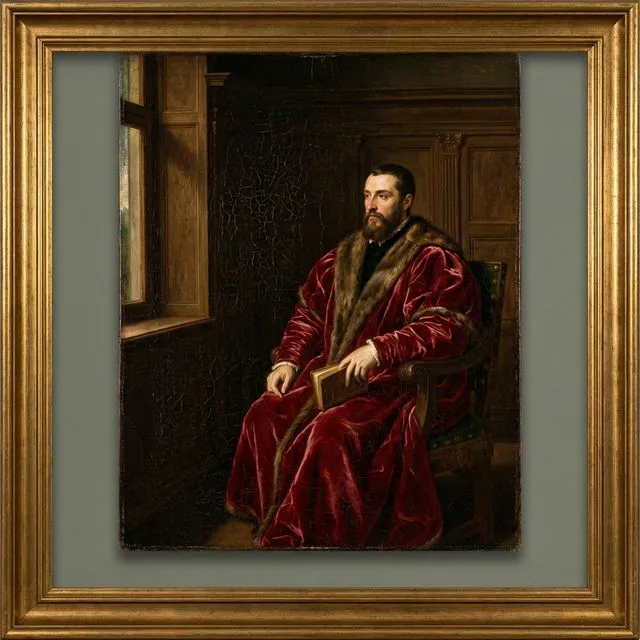
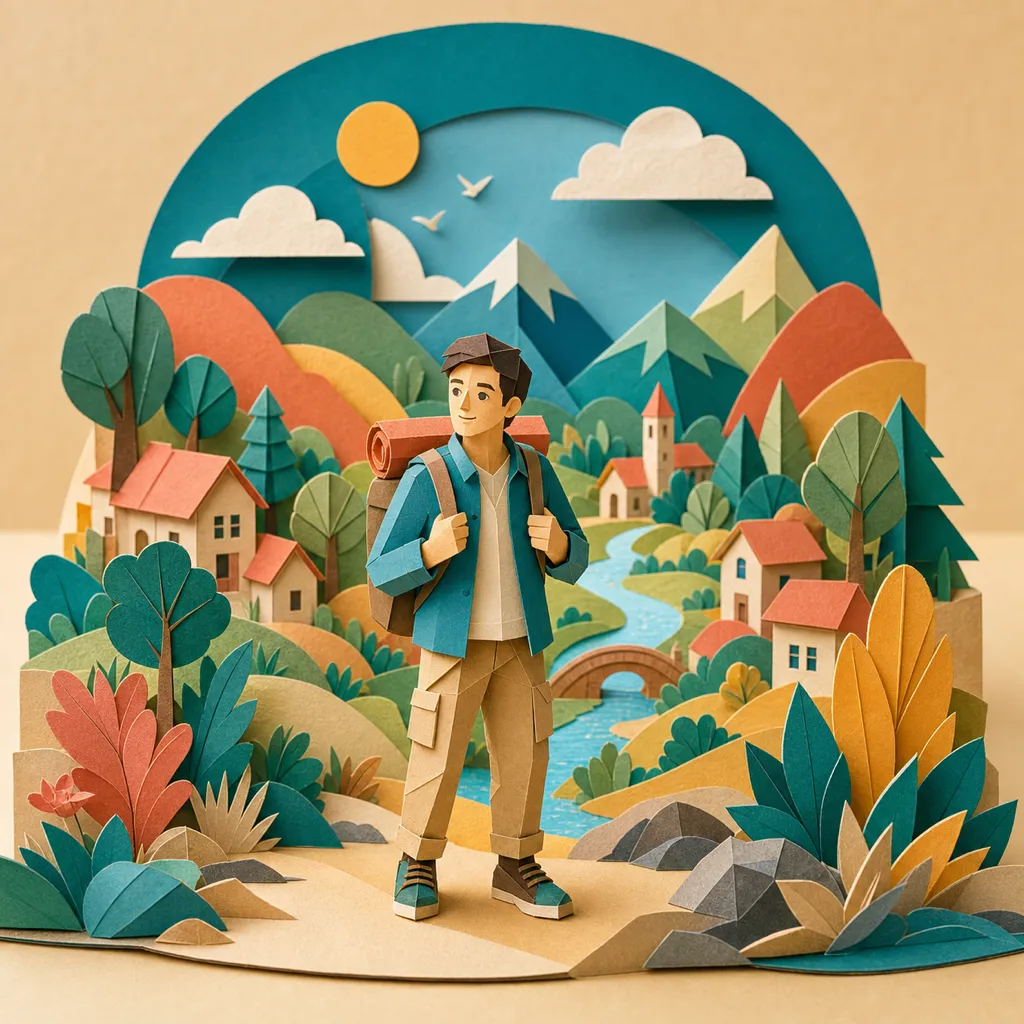
From playful to gallery-grade. Here’s a taste — explore more templates in the in-app library.
- Elemental Guardian
- Collectible Figure
- Anime Portrait
- Cyberpunk Neon
- Oil Painting
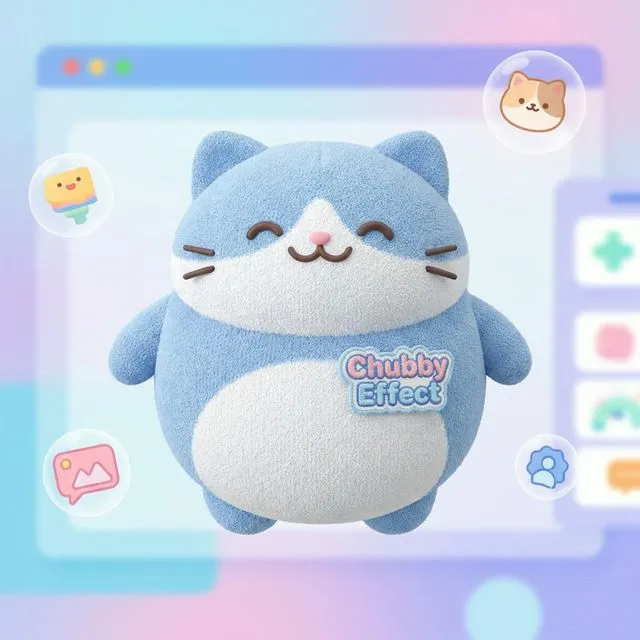
- Fluffy Plush
- Classic Hanfu

- Snow Globe

- Renaissance
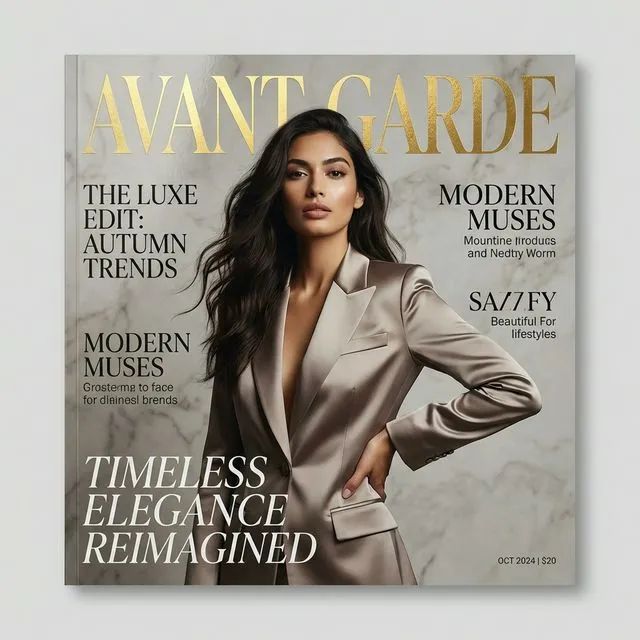
- Magazine Cover
- Brick Minifigure
- City Giant

Get bonus credits. Shape the next style drop.
Join the Wondershot Discord for limited monthly bonus-code drops, early style feedback, and a direct line to the people building the app.
Bonus codes are limited, vary by campaign, and are available while supplies last. Subscription offers, when available, auto-renew unless canceled.
Discord-only bonus credits
Members get first access to limited perks and special style events.
“More cinematic pet posters, please.”
Share your best reshoots and inspire the next templates.
Tell us what feels magical, confusing, or missing.
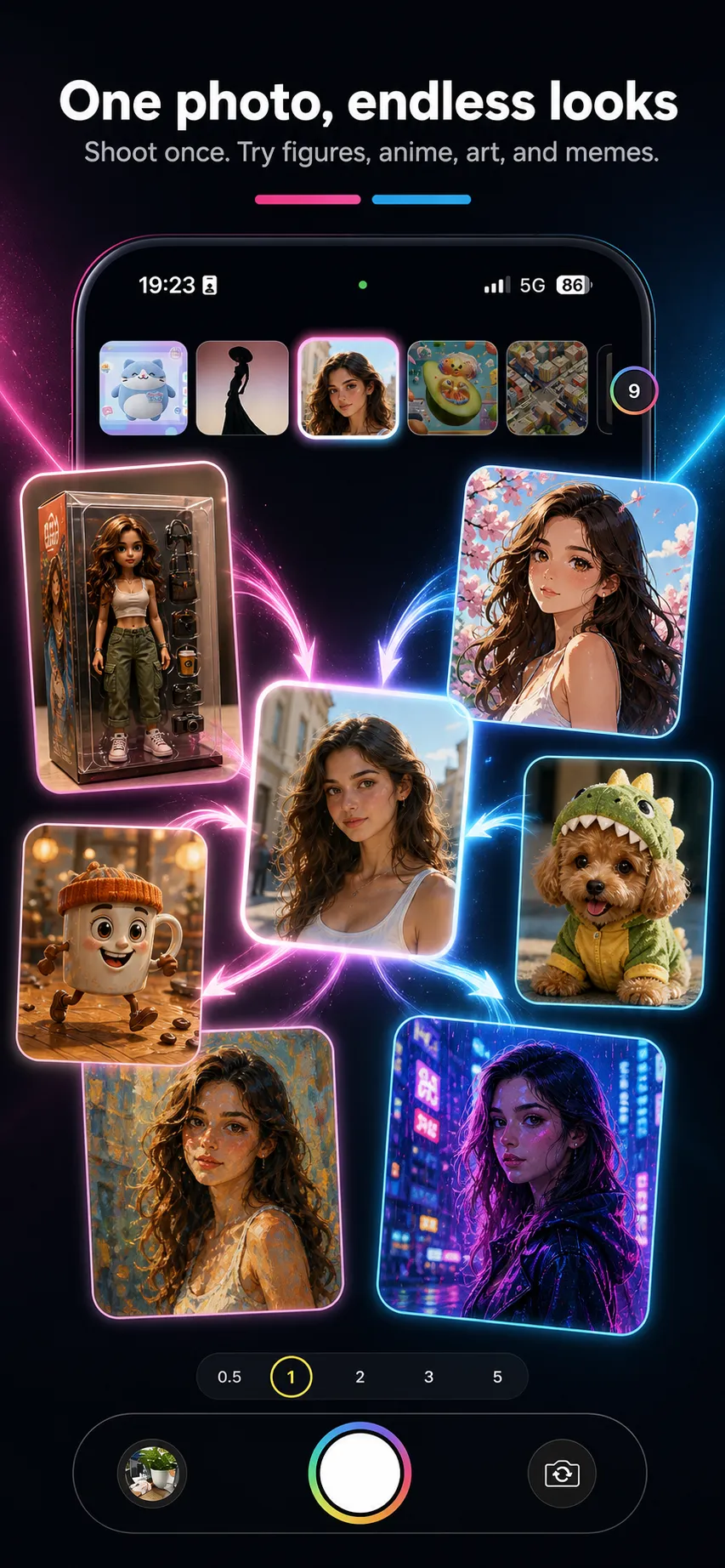
One photo. A dozen versions of you.
Select several styles before you shoot and Wondershot generates them all from a single photo. Perfect for a share-worthy grid — pick your favorite or post the whole set.
- Capture once, get many styles back
- Output options up to 4K, depending on the selected model
- Built-in before/after Live Photo & share video
Frequently asked questions
What is Wondershot?
Wondershot is an AI creative camera for iPhone and Android. You take or upload a photo, choose a style template, and the app creates a new image. Templates aim to keep the main subject recognizable, but AI-generated results vary by photo and style.
Is Wondershot free to use?
Yes. New accounts get free credits to try generations. After that you can buy credit packs or subscribe to a membership for monthly credits and extra perks. Subscriptions auto-renew and can be cancelled in your App Store or Google Play subscription settings.
How do I get bonus credits?
Join the Wondershot Discord to catch limited monthly bonus-code drops, share your results, and request new templates. Bonus codes are limited, may vary by campaign, and are available while supplies last.
Does it keep me looking like me?
Each style is designed to preserve the main subject — your face, pose, and outfit colors, or a pet or object’s key features. Results are AI-generated and creative, so they vary from photo to photo.
What can I create?
Portraits, cartoons and anime, collectible figures, plush versions, classic art styles, cinematic scenes, fun meme edits, pet makeovers, and much more. You can also explore community templates in the in-app library.
Which devices are supported?
Wondershot is available for iPhone on the App Store and for Android on Google Play.
Your next photo could be a wonder.
Download Wondershot and turn one shot into endless looks.